
Between games
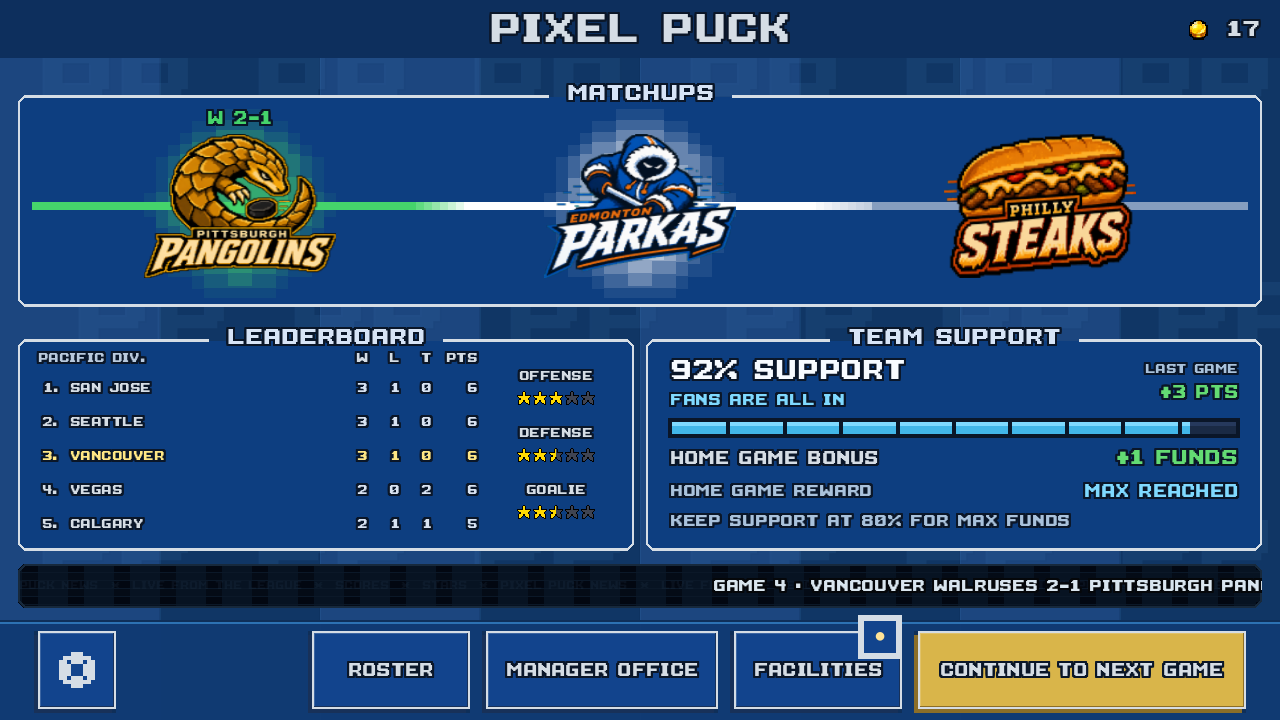
Your club screen brings together the next opponent, division standings, and fan support. From here, you can adjust the roster or visit your facilities before the next game.
Select a highlighted area or Choose choose a screen above.
PixelPuck · In development
Play 5-on-5 hockey and run your club through 16-game seasons. Draft rookies, manage your roster, and compete for the Pixel Cup.
Single-player · Offline play
Gameplay
Control the skater with the puck, find an open teammate, and take the shot.
Each team has five skaters and a goalie. Play against the computer with touch controls for skating, passing, shooting, and defending.
Player attributes affect what happens on the ice, from skating speed to shot accuracy.
Explore franchise mode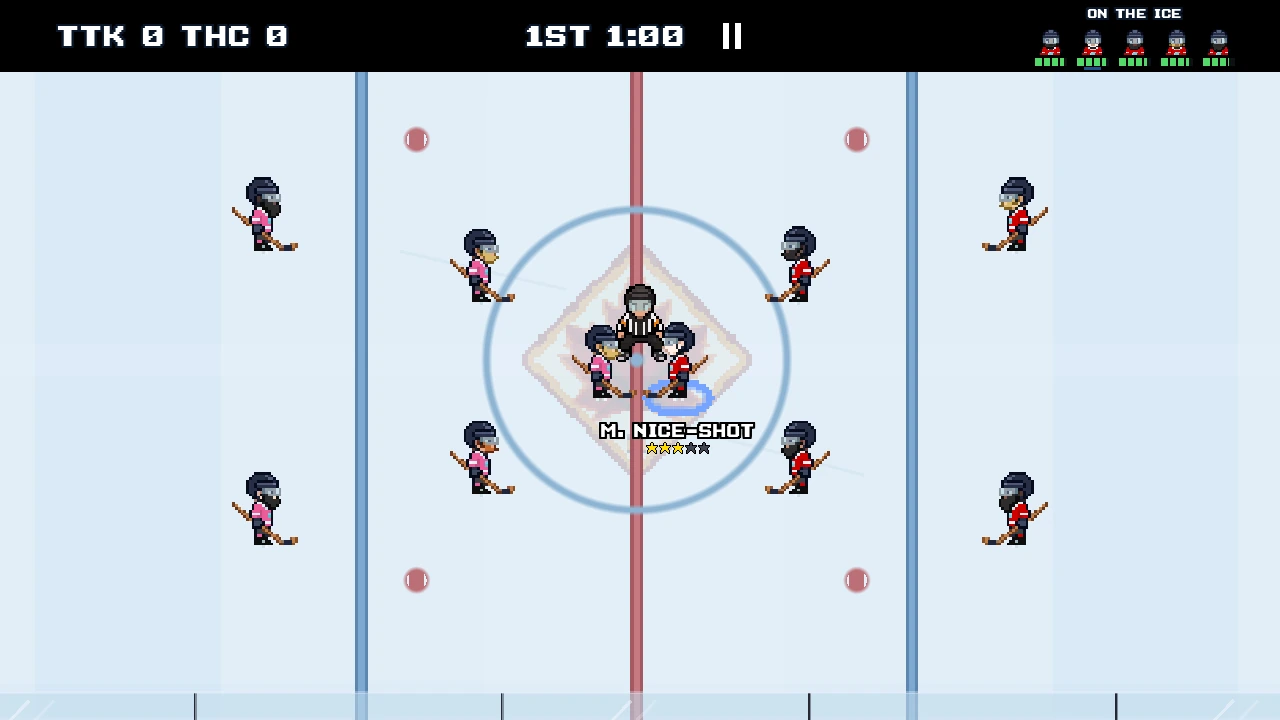
The tutorial hand presses the left side, moves around the steering circle, then lifts. Your skater follows the direction you drag.
The video could not load. Open the clip directly.
Touch controls
Hold your phone in landscape. Use the left side to skate and the right side to pass or shoot.
Choose a lesson, then press play. Use fullscreen for a closer look.
Quick pass: with the puck, tap the right side to pass to a teammate.
Read the full controls guideFranchise mode
Set your lines, check the next matchup, and make the home rink your own. Take a look around the game’s franchise screens.
Your club screen brings together the next opponent, division standings, and fan support. From here, you can adjust the roster or visit your facilities before the next game.
Select a highlighted area or Choose choose a screen above.
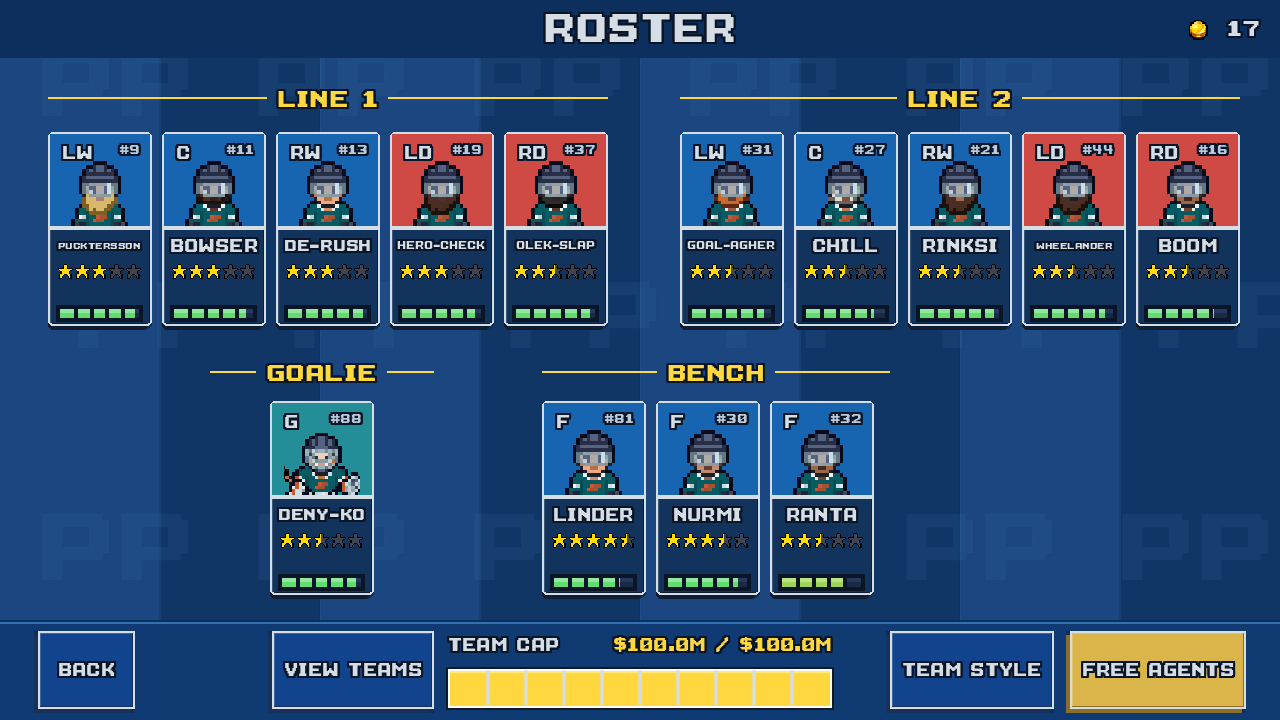
Arrange two lines and a reserve bench. Check player ratings, develop attributes with match XP, and fit new signings under the salary cap. Draft prospects and free agents give you ways to improve the team.
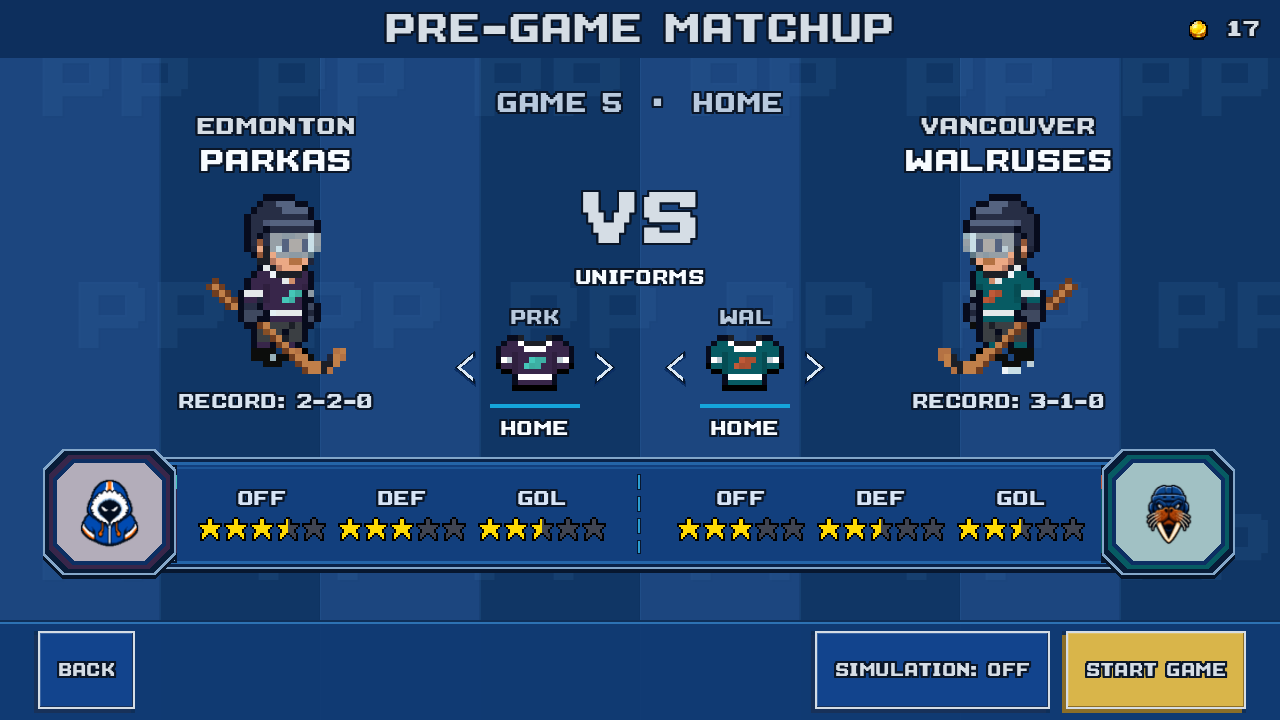
Play a 16-game regular season, split between home and away. Before each game, compare team records and ratings. Qualify for the playoffs, then win four single-game rounds to lift the Pixel Cup.
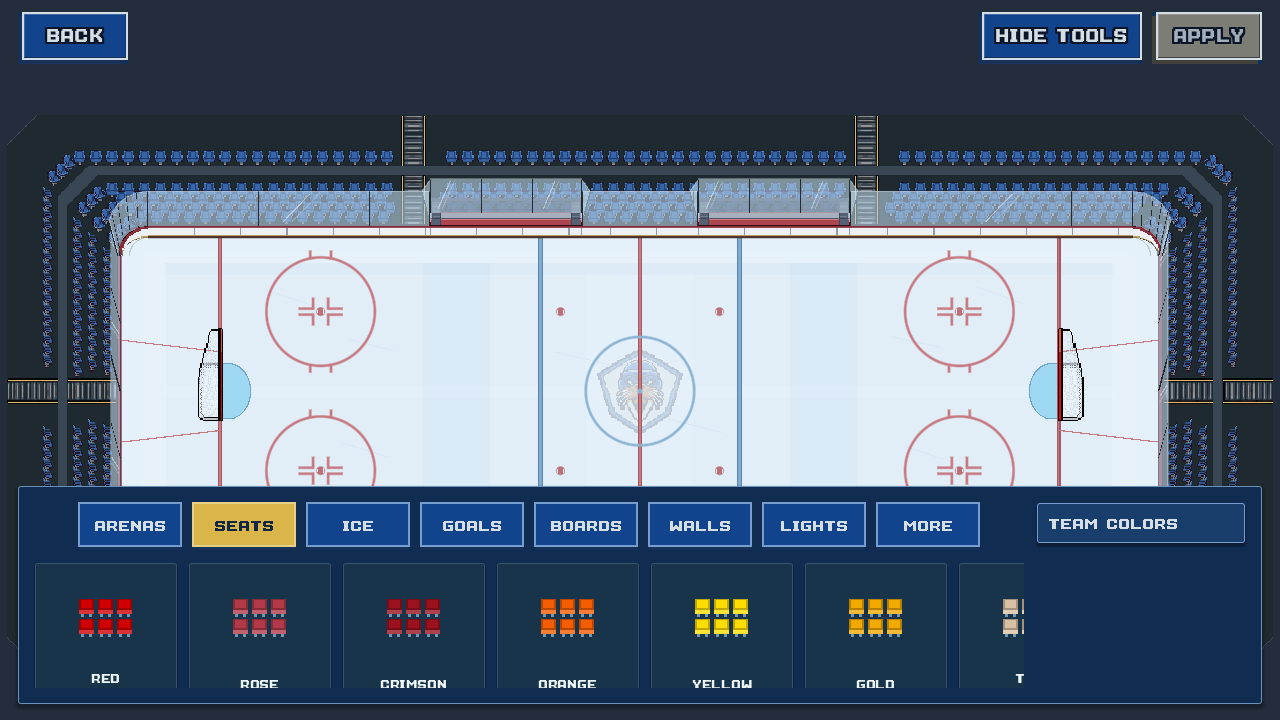
Choose your arena’s look, change the seats and boards, and customize the ice. Preview your choices in the editor before applying them to your club’s home rink.
Browse the arena themesScreens from the development build. Sample club: Vancouver Walruses.
Customization
Design home and away uniforms, then choose your arena’s theme, ice, boards, and goal horn. Here are five of the arena designs in the game.
Swipe through the arena designs
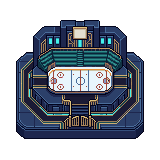
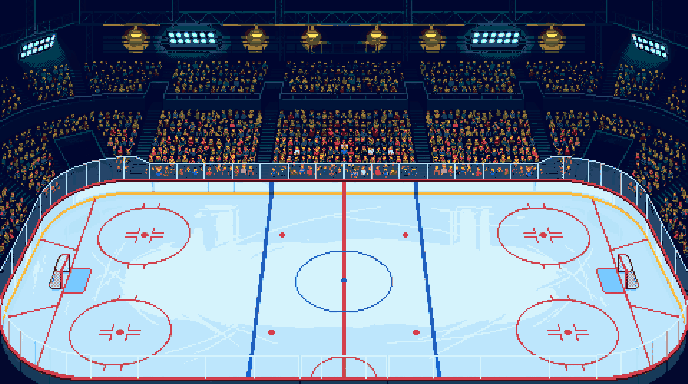
A classic indoor rink with tiered stands and a center-ice scoreboard.
In-game arena artGame visuals are in development and may change.
PixelPuck is in development for iPhone. There is no public App Store release date yet. You can email the developer about future testing opportunities. Android is planned, with no release date announced.
Yes. Matches and franchise mode work offline, and progress is saved on your device. You need an internet connection to install or update the game.
A regular season has 16 games: eight at home and eight away. The playoffs have four single-game rounds. In the opening story, you take over a club for its final regular-season game before starting your first full season.
The current game is single-player. You control your team against computer opponents. Online and local multiplayer are not included.
The release price has not been announced. The current development build has no ads or in-app purchases. Pricing and purchase details will be confirmed before the public release.
There is no in-game cloud sync or account-based save transfer. Progress is stored on the device, and deleting the app may remove it. Contact support before deleting the app if you have a save problem.
Release & testing
PixelPuck is in development for iPhone. Email us if you’d like to help test a future build.
Email about testingOpens your email app. No public release date yet.
