
Balance ability and stamina
A stronger player may be tired. Low stamina slows a skater down, so compare their condition with a rested reserve. Line 2 supplies substitutes during a match. The reserve bench is separate.
How the roster and lineups workPlay 5-on-5 hockey and manage the club between games. Pick your lineup, bring in new players, and decide where to spend your Club Funds as one season leads into the next.
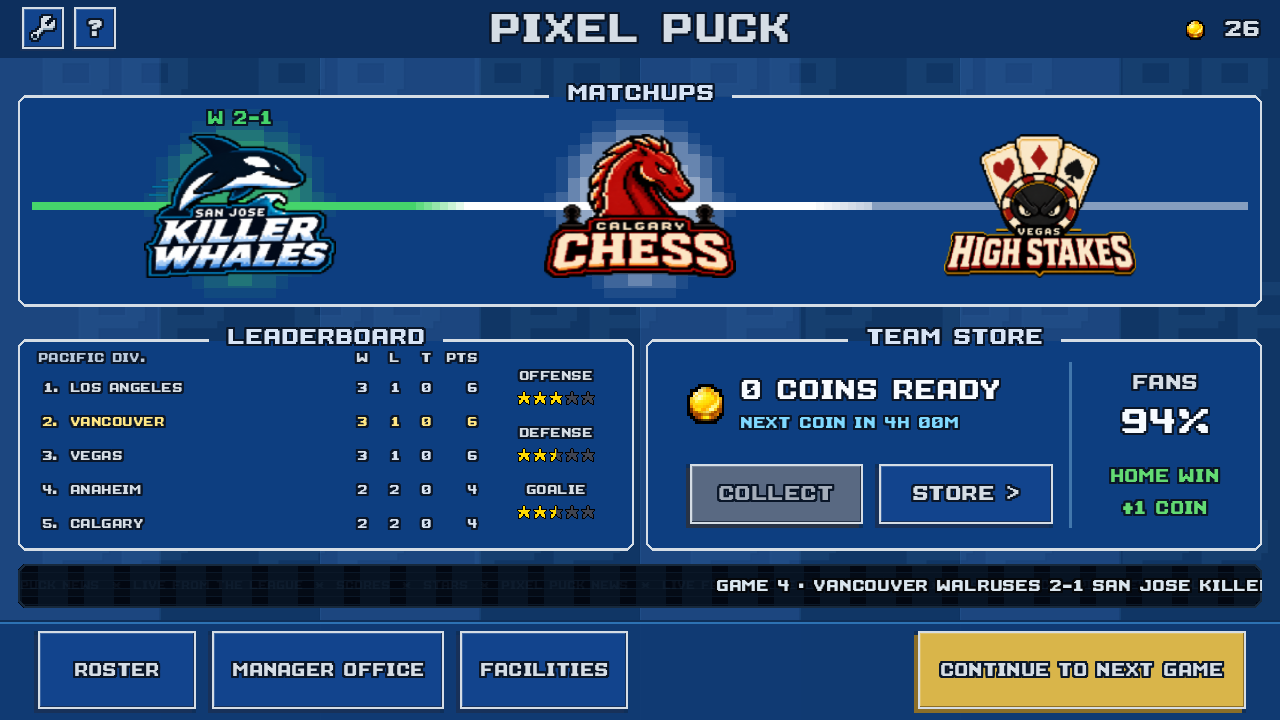
Your club dashboard brings together the next opponent, standings, and fan support. Open the roster to change your lines or visit the facilities before playing again.
Current development build. Example club: Vancouver Walruses.
Taking over
The opening story puts you in charge of a club with one regular season game left. The first 15 games already have results. You play the final game with the team you inherit.
After that introduction, the opening draft helps you start shaping the roster. Your first full season begins with a fresh 16-game schedule.
Play eight home games and eight away games. If your club qualifies for the playoffs, four single game rounds stand between you and the Pixel Cup. A loss ends your run.
Read the season format and playoff qualification rules.
An older save can keep its longer schedule until that season ends. The next season uses the current 16-game format.
A season at your club
Return to the club between games. Choose a stage to see its screen.
Compare ratings and stamina before picking your two lines and bench. Rest a tired skater or give a reserve a place on the ice.
Read about rosters and lineupsControl your team against computer opponents in 5-on-5 hockey, with a goalie at each end. Your result becomes part of the club’s season.
See how matches playGames earn player XP. At a level-up, choose an attribute to improve within that player’s potential. Invest in staff and facilities to support growth and recovery.
Read about club facilitiesReview expiring contracts, decide who stays, and draft rookies for the next roster. A new schedule gives the club another season to build on.
Read about drafting and scouting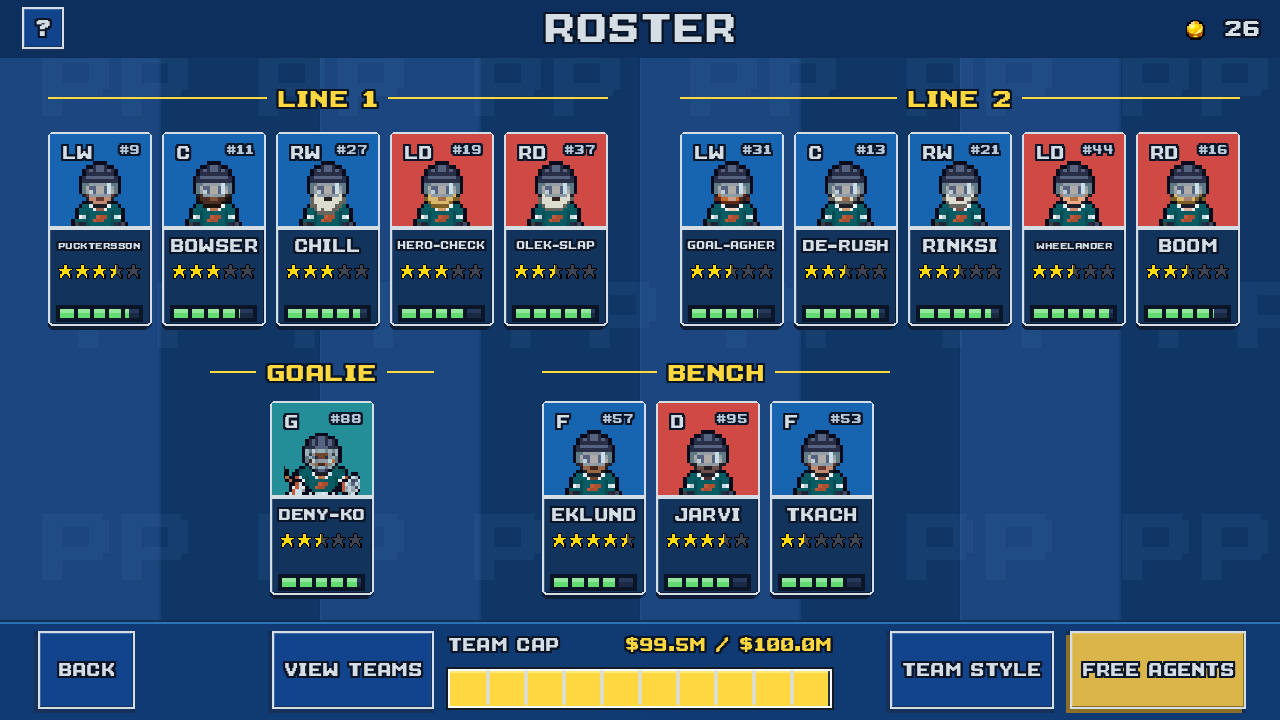
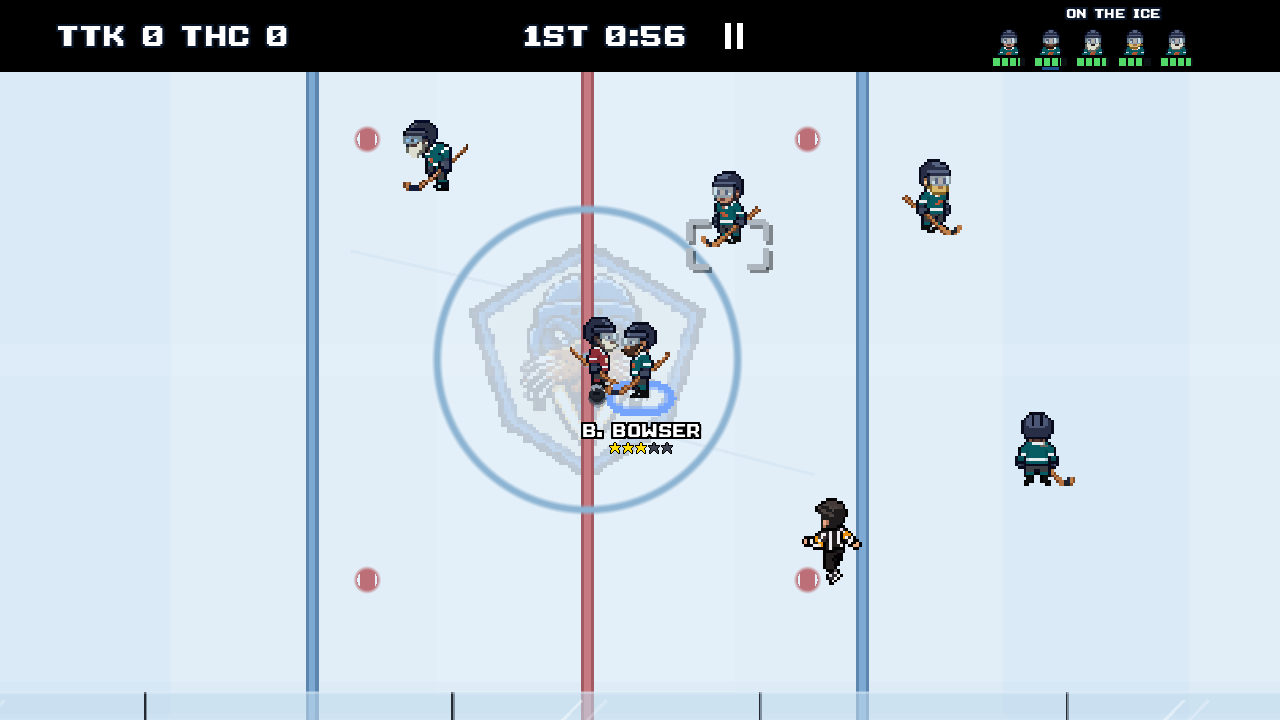
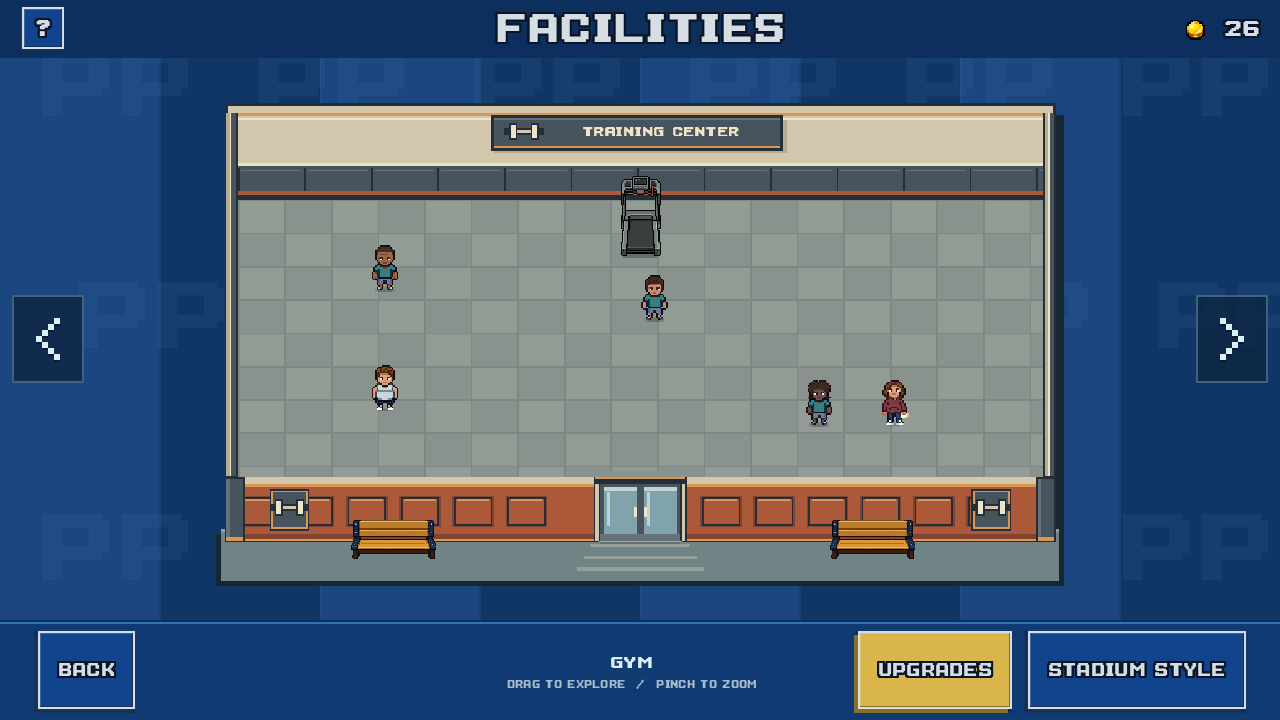
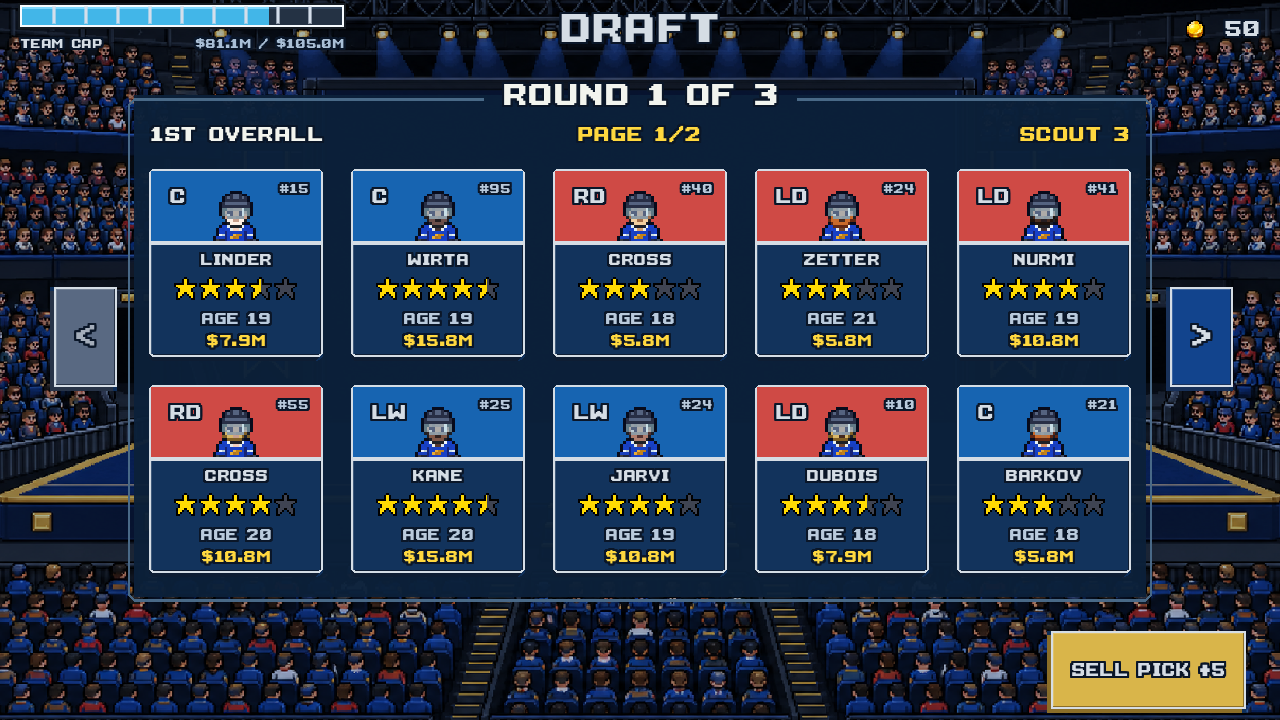
Development captures. Vancouver Walruses is an example club with sample results and players.
Your decisions
The money you spend on signings, staff, and facility upgrades. Matches earn funds that you can put back into the club.
The limit on player salaries, shown as Team Cap when signing. A healthy wallet does not create more cap space. Check both before adding a player.
A stronger player may be tired. Low stamina slows a skater down, so compare their condition with a rested reserve. Line 2 supplies substitutes during a match. The reserve bench is separate.
How the roster and lineups workDraft a rookie with room to grow or look for a free agent who can help now. Scouting improves the information you have about ability and potential. New signings join the reserve bench.
When a player’s contract expires, decide whether to extend it or let them go. Review the offered salary against your Team Cap.
How drafting and scouting workA trainer helps players earn XP. Medical staff help them recover stamina. Scouts improve player information, while marketing helps grow fan support.
Compare a staff hire with a facility upgrade before spending Club Funds. Staff contracts run out. You can renew or replace them, and interim staff cover an empty role.
What facility upgrades changeChoose home and away uniforms in Team Style. Customize your home rink with arena themes, seating, boards, and ice designs. Your home games use the rink you have made.
See uniform and equipment choicesAnother season
A new season resets the competition. It keeps the club you have been developing.
See what the club history records
Your progress stays on your device. Franchise changes and completed match results are saved locally. Read about save slots and recovery.
Yes. You control your team on the ice against computer opponents. Franchise mode includes playing the matches as well as managing the club.
Yes. Matches and franchise mode work offline, and progress is saved on your device. You need an internet connection to install or update the game. The privacy policy explains local saves and optional diagnostics.
PixelPuck is in development for iPhone. There is no public App Store release date yet. You can email the developer about future testing opportunities. Android is planned, with no release date announced.
Email about testingOpens your email app.