
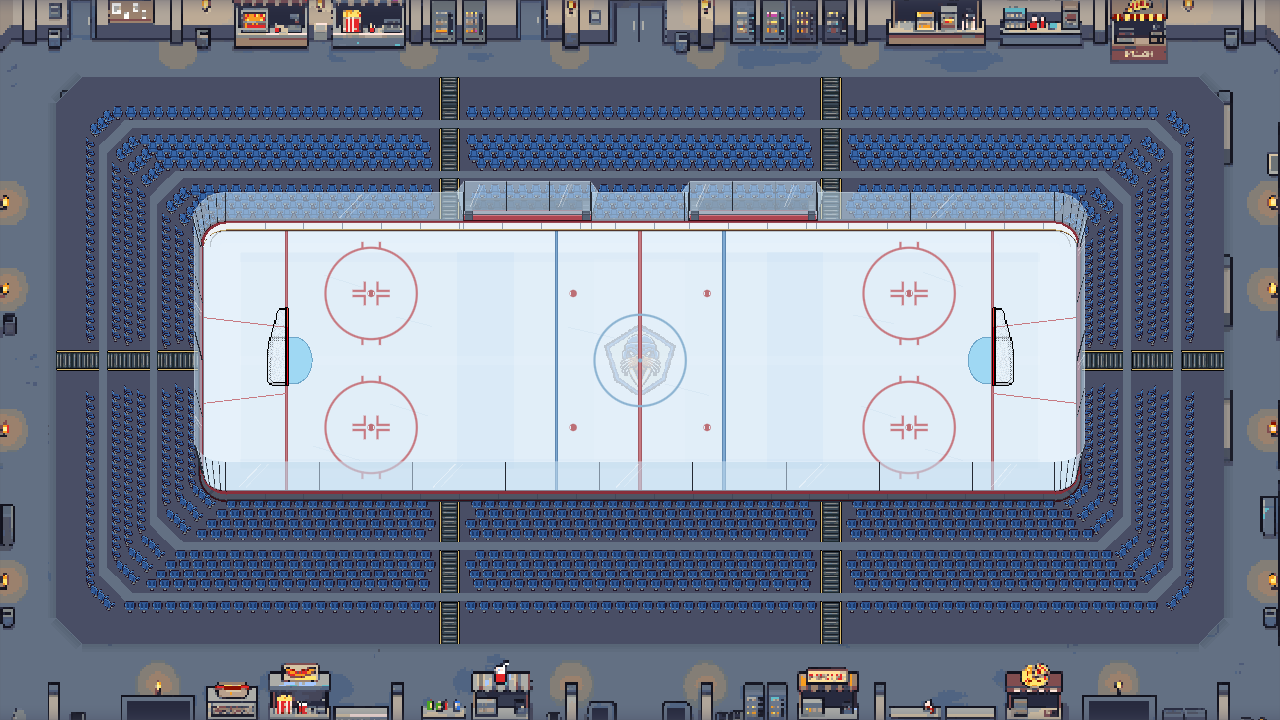
Original
Blue seating and a grey concourse around the white rink.
Choose the setting for your home rink, from a timber barn to a dome under the sea. Then change the ice, boards, seats, lights and goal horn.
The current catalog
Original, North Pole Workshop, Summer Forest and Pumpkin Moon Arena are included. The other nine unlock with Club Funds earned in the game. The seasonal settings can be used all year.
These are real editor previews from the development build. Each uses the same stadium size, white ice and no crowd. Your facility progress also affects the stadium layout.
Blue seating and a grey concourse around the white rink.
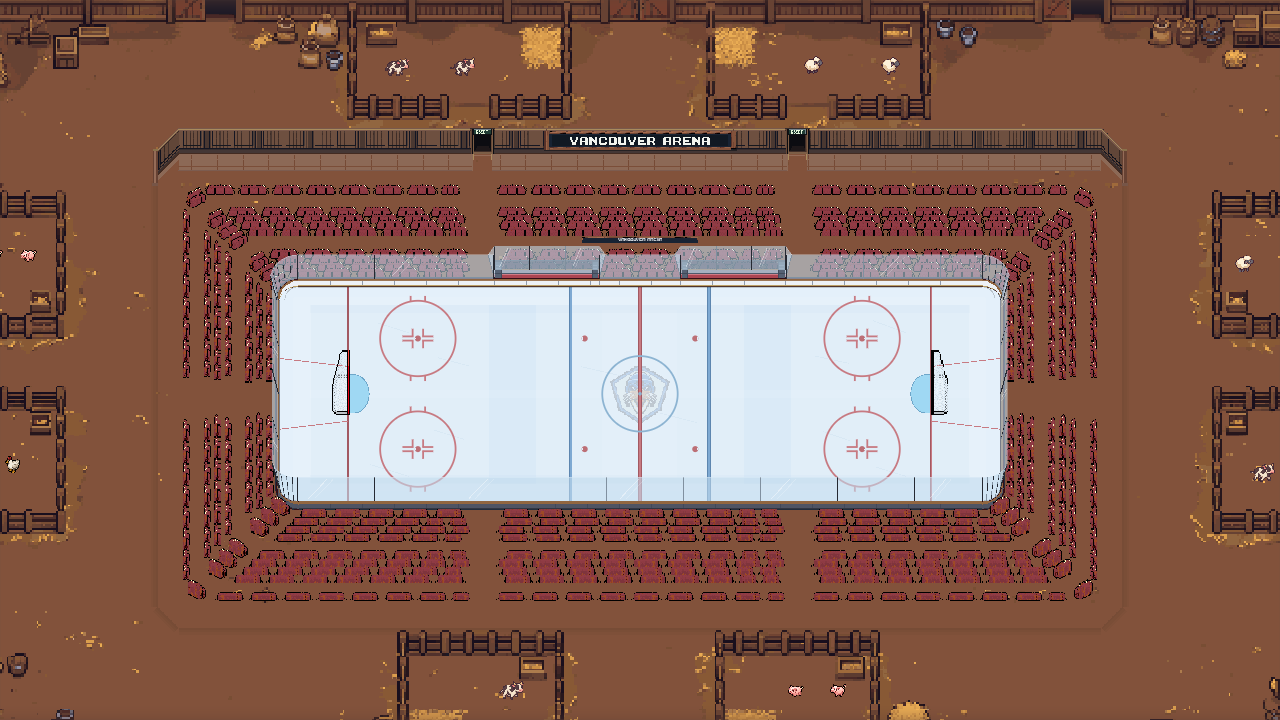
Timber beams, hay bale seating and warm brown flooring.
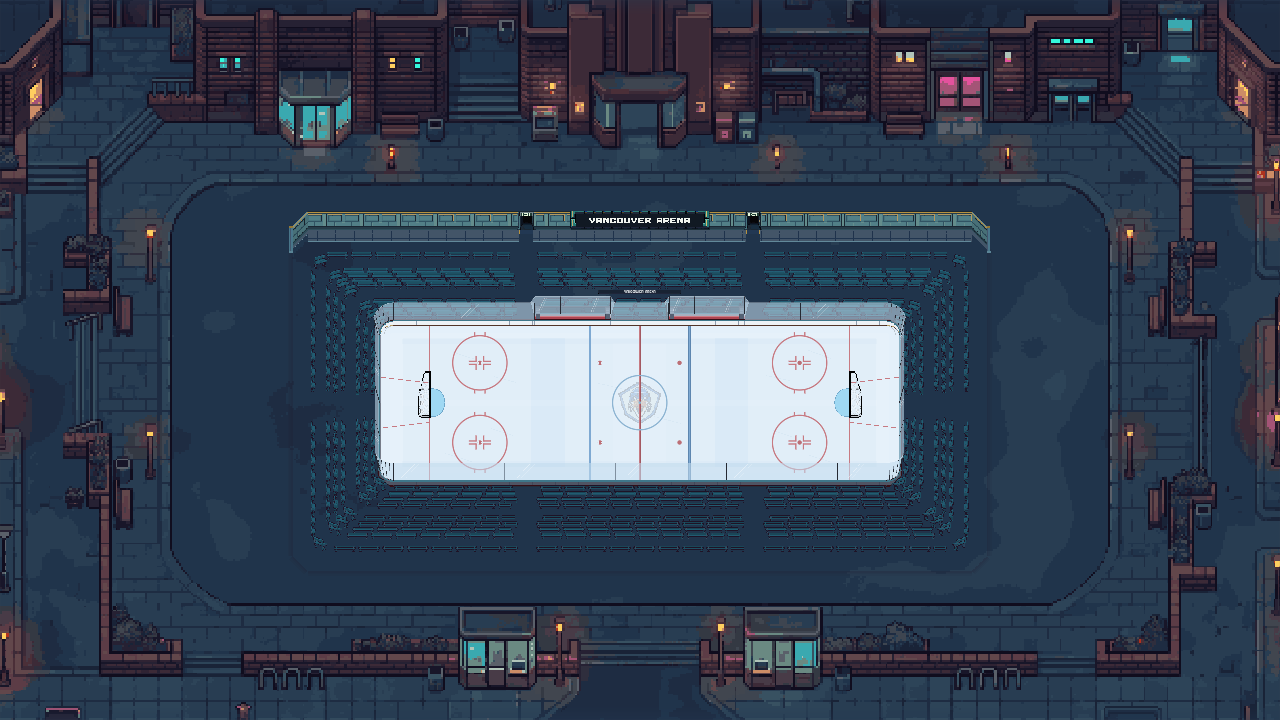
Metal bleachers, teal flooring and red accents.
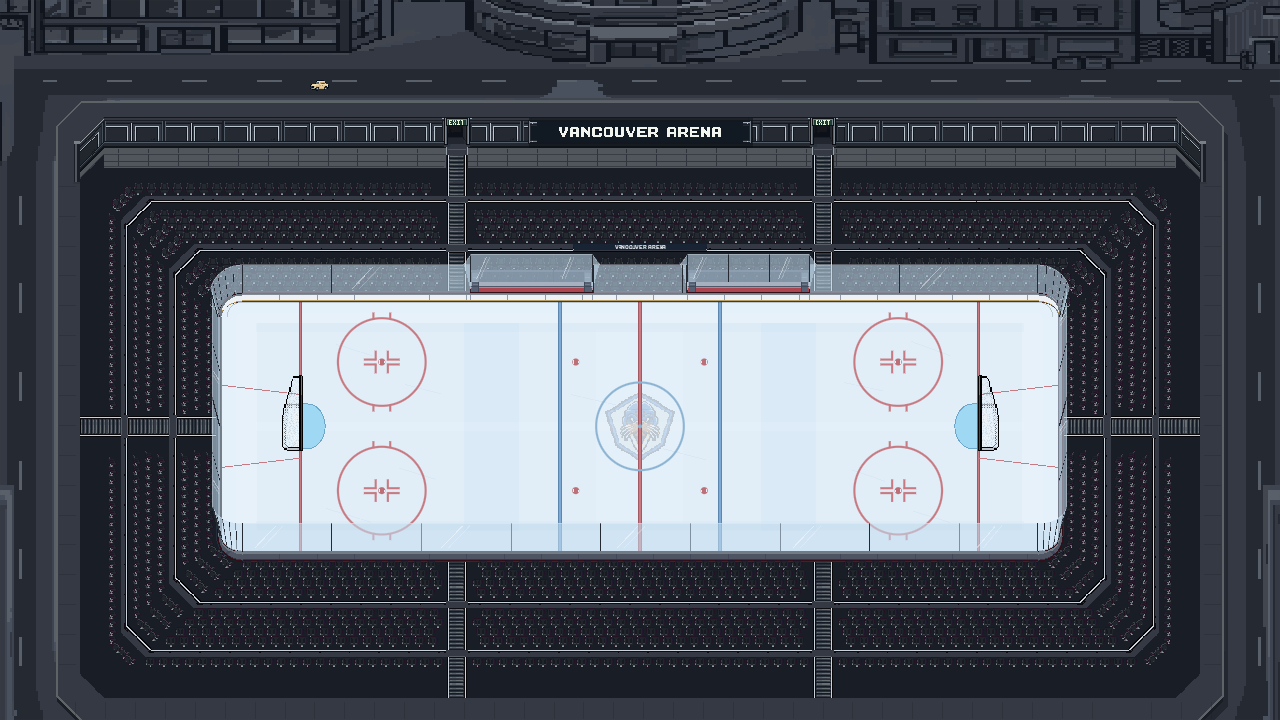
A charcoal bowl with city streets beyond the seats.
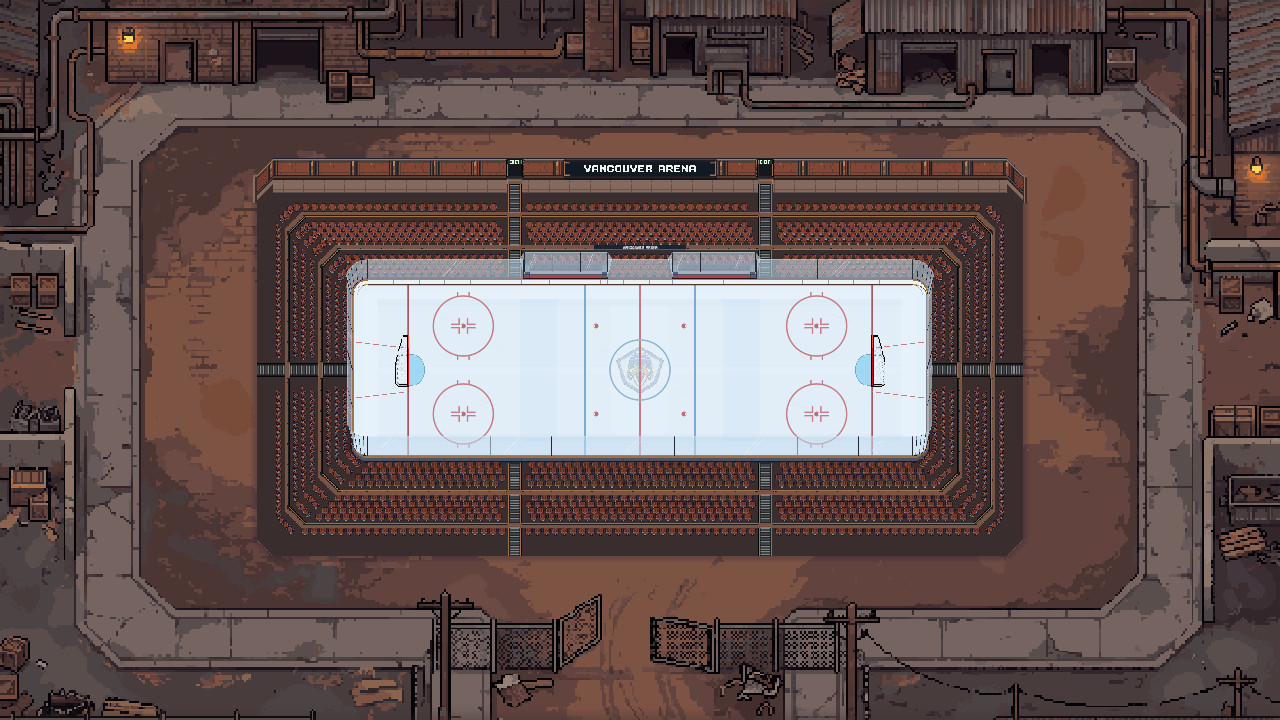
Dark metal walls and rust brown flooring.
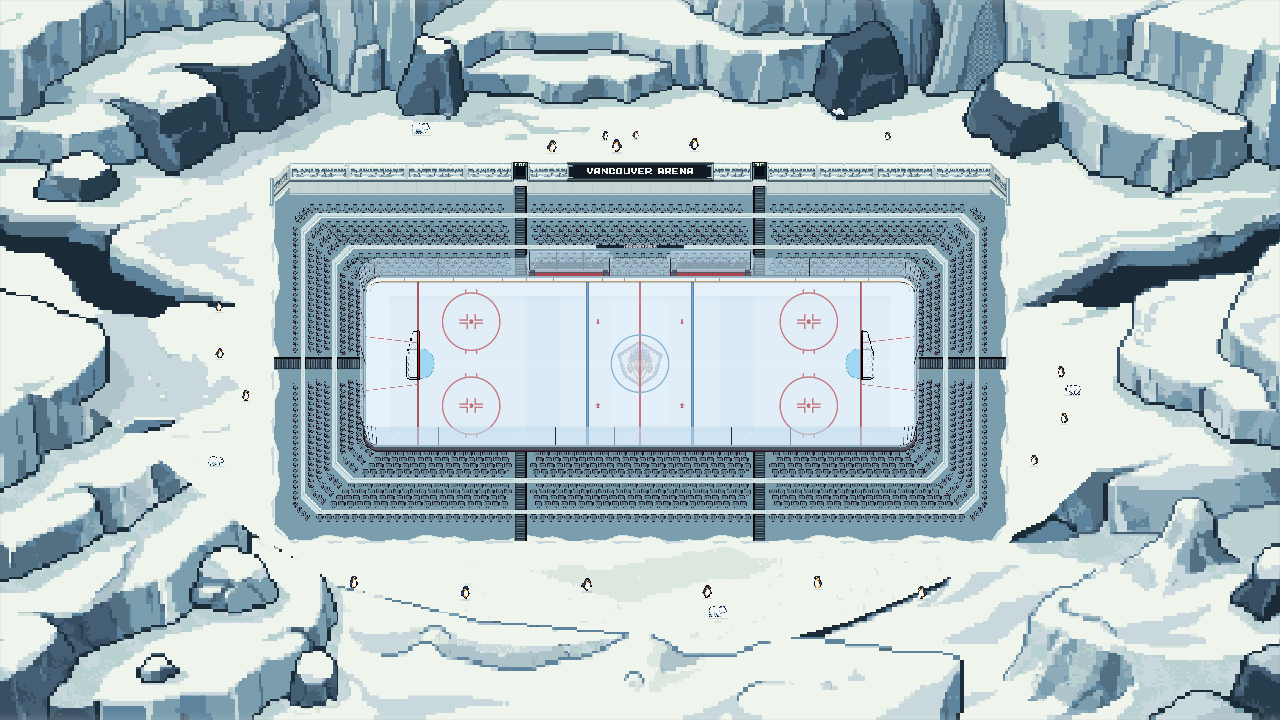
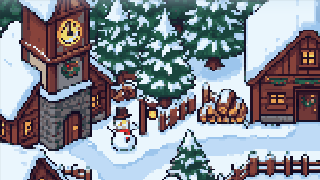
Snowy cliffs, pale blue walls and wildlife around the rink.
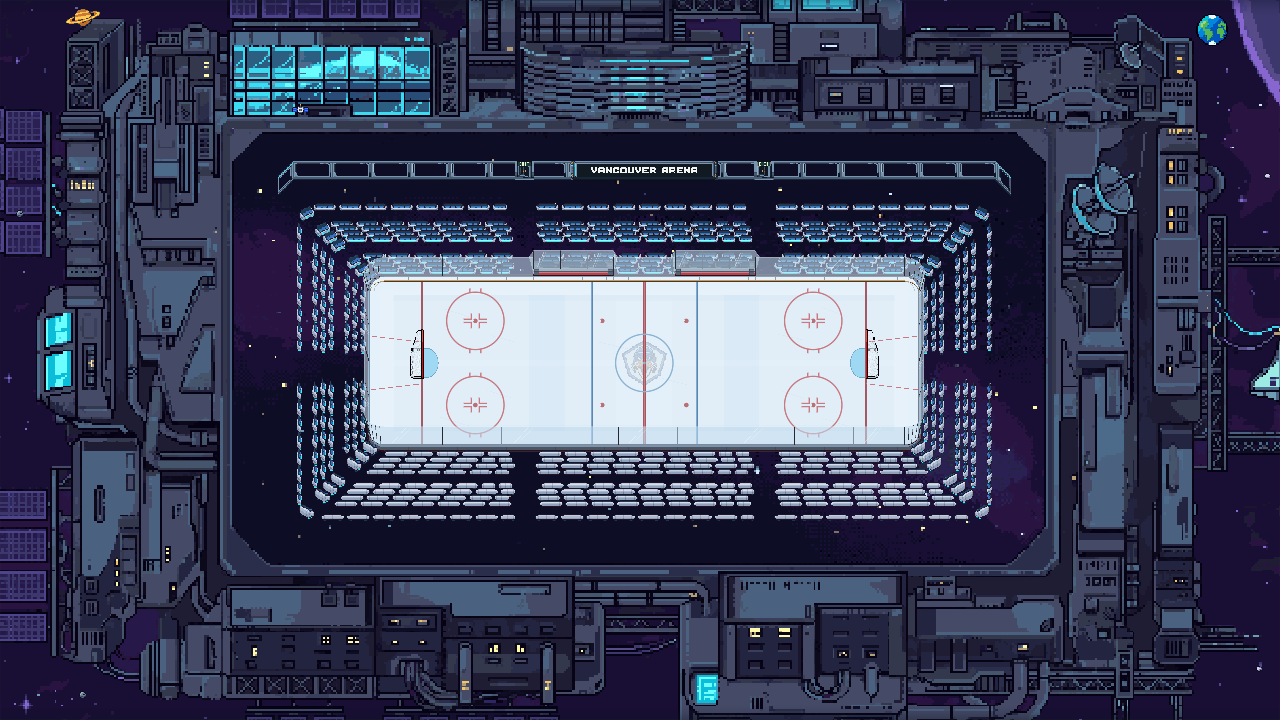
Dark station decks, blue windows and floating spectator pods.
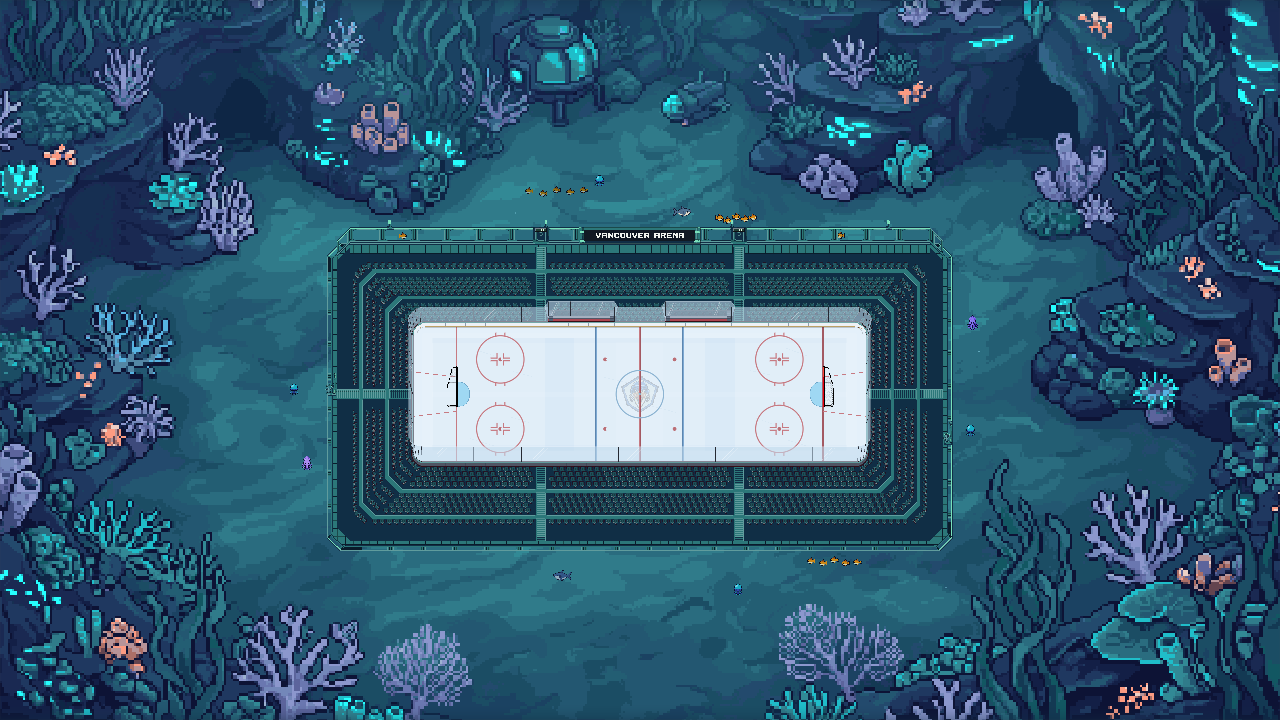
Coral and sea life surround a rink lit in blue and turquoise.
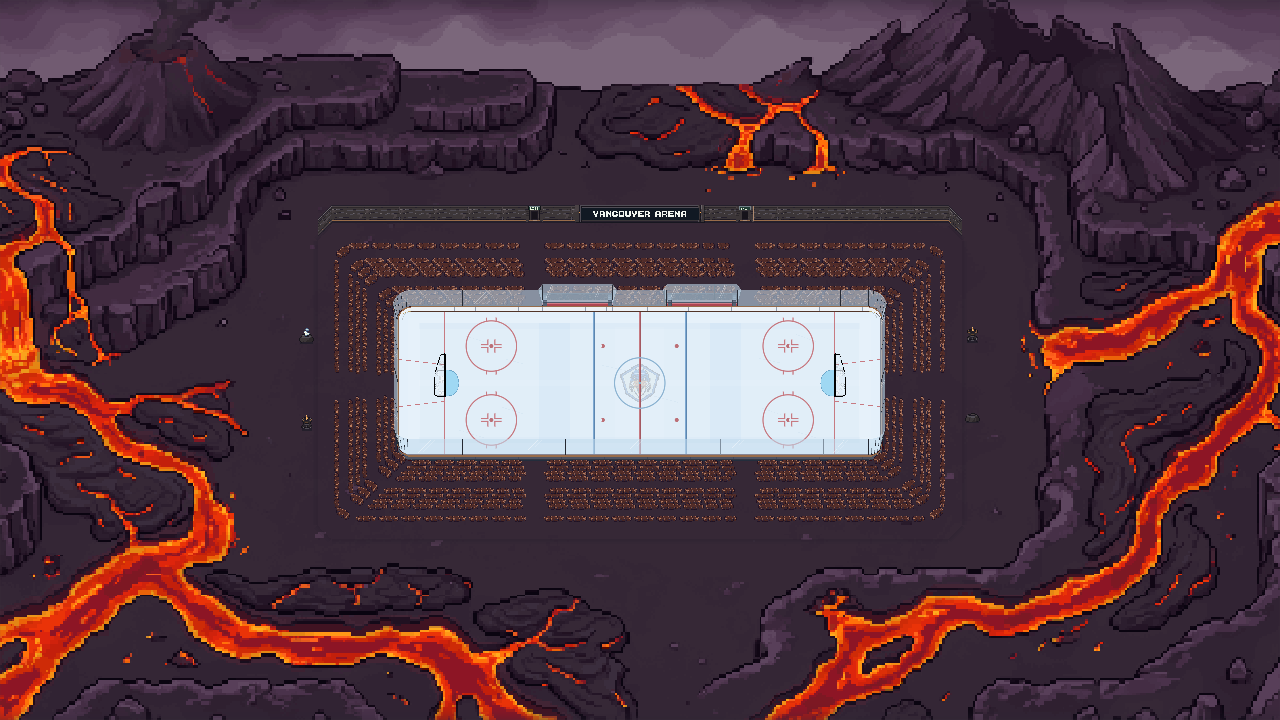
Orange lava runs through dark rock outside the bowl.
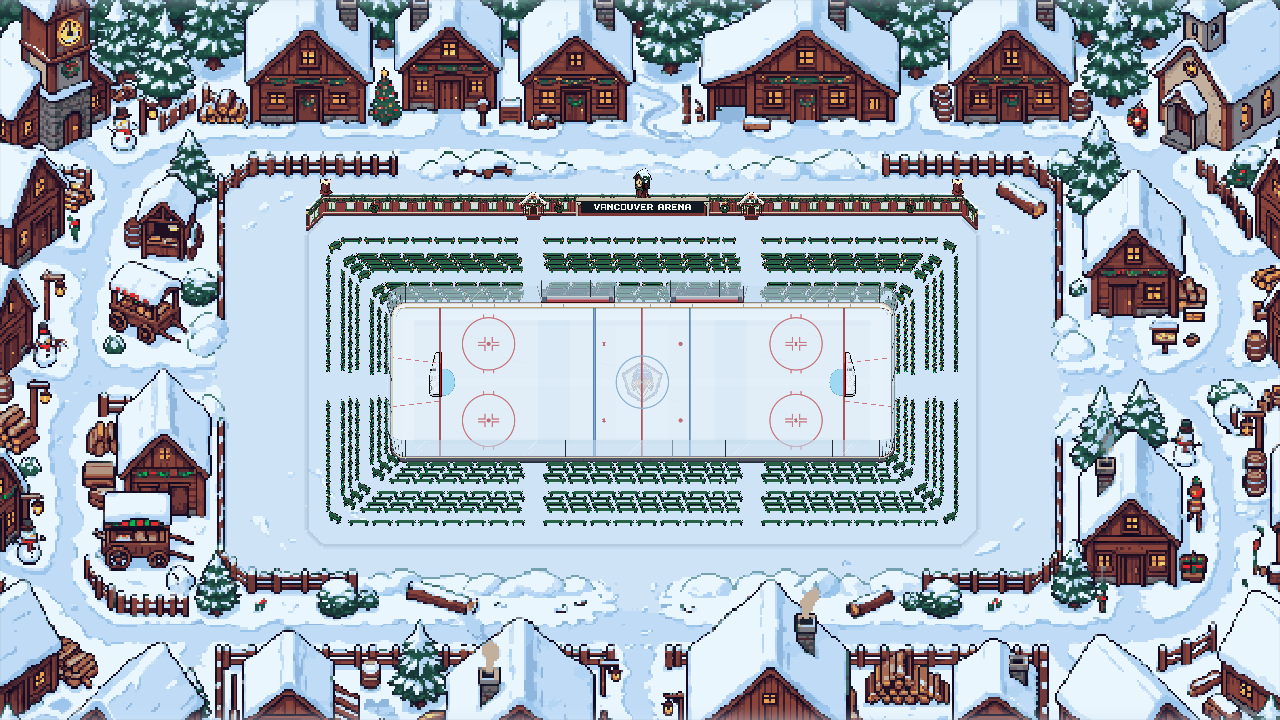
Snowy rooftops, warm windows and red benches.
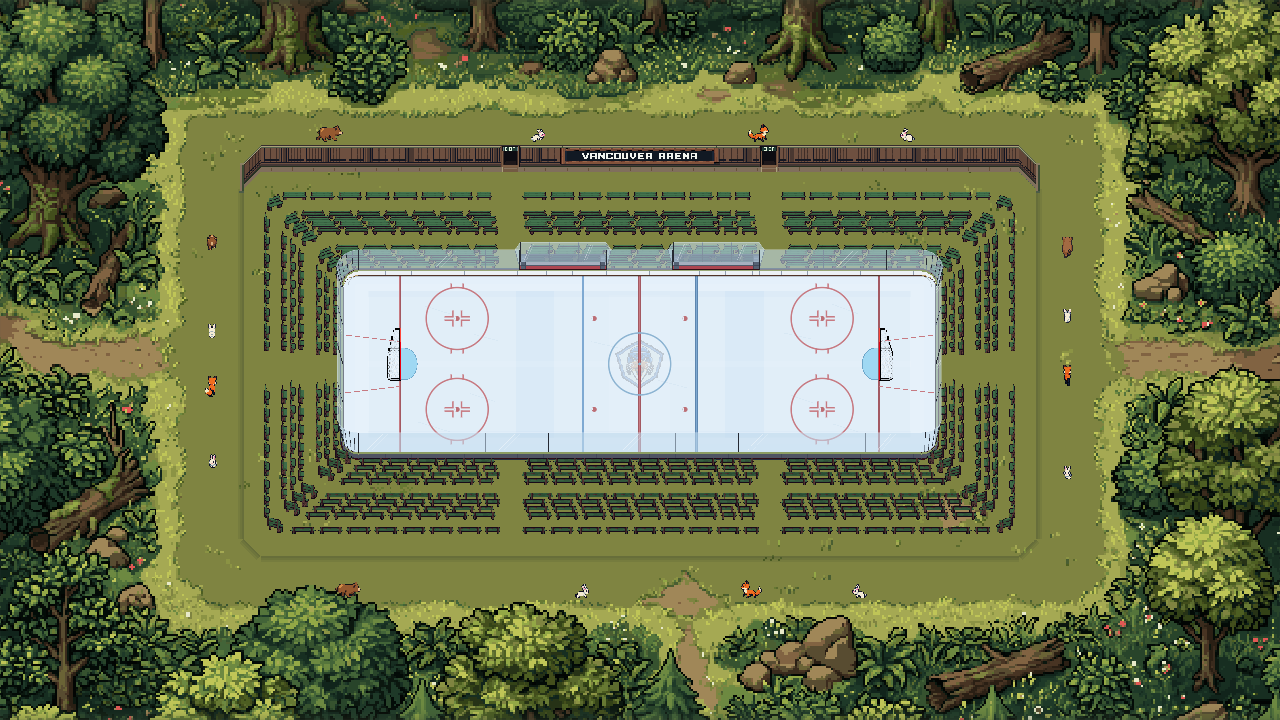
Leafy trees and timber benches around an outdoor rink.
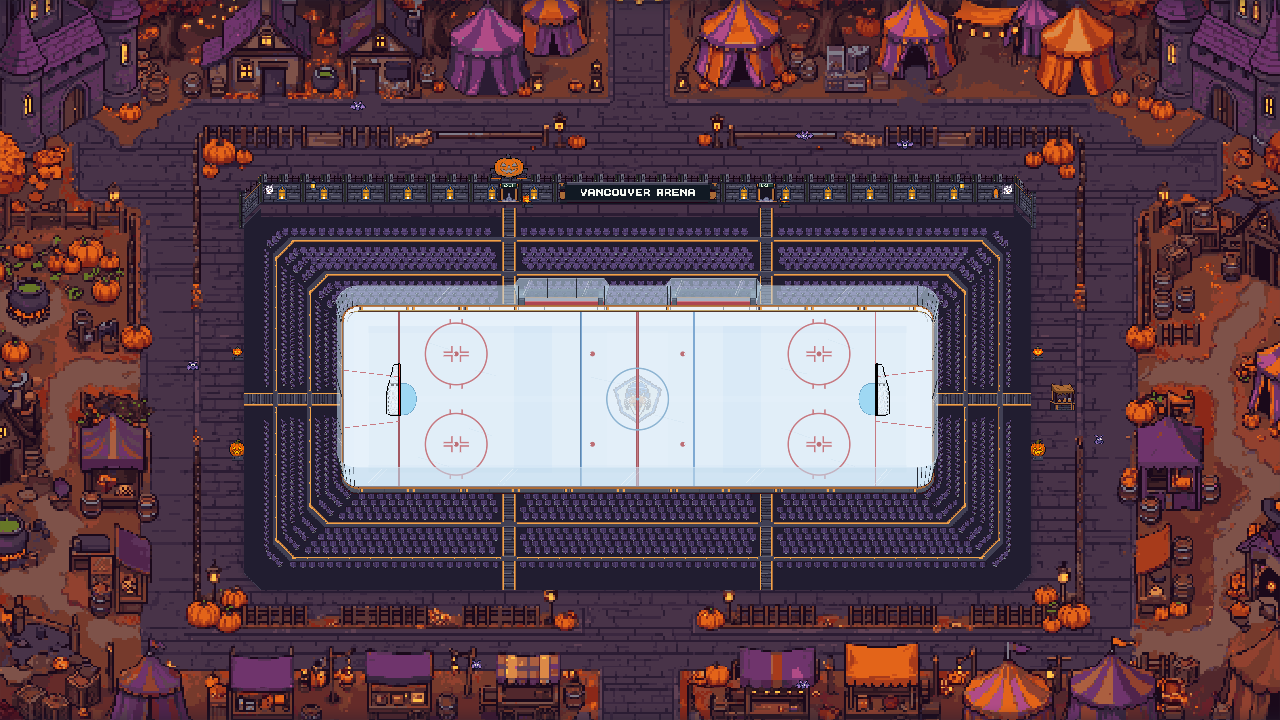
Stone walls, glowing pumpkins and an autumn fairground.
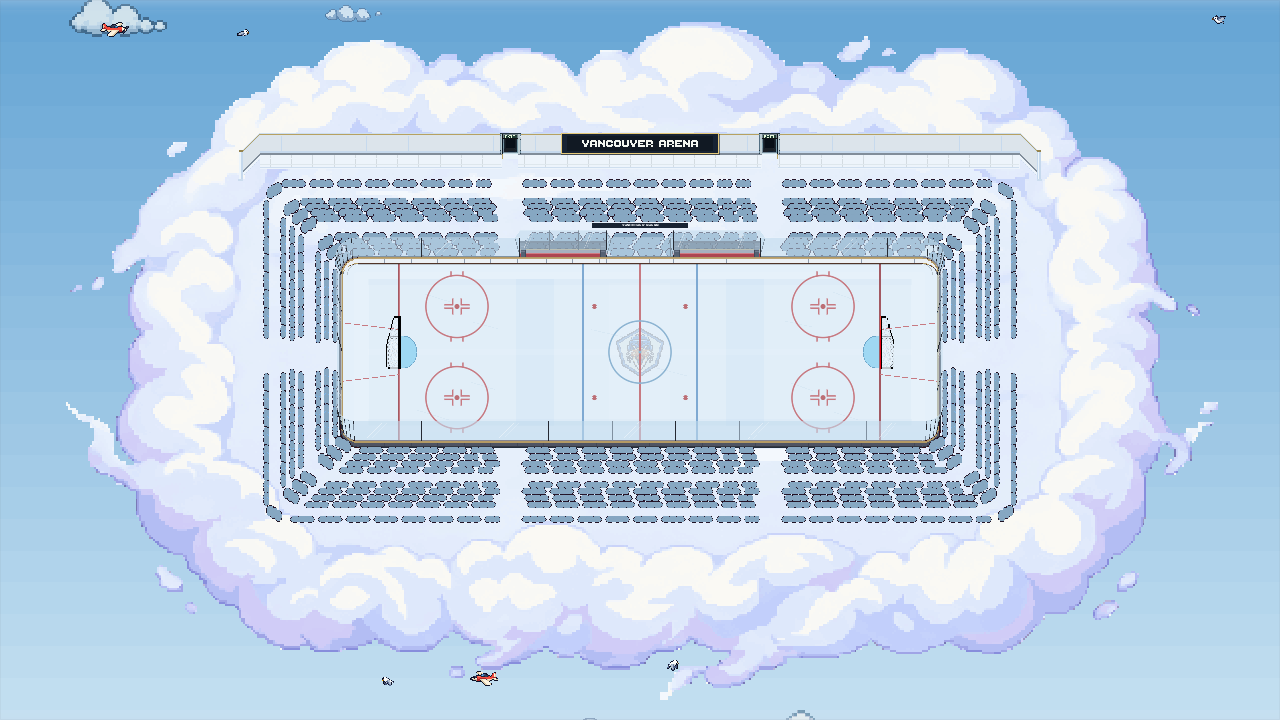
Cloud seating and a bright blue sky beneath the rink.

Stadium Style
The theme sets the surroundings. Ice designs, boards, goals, seating and lighting are separate choices, so you can mix items you own.
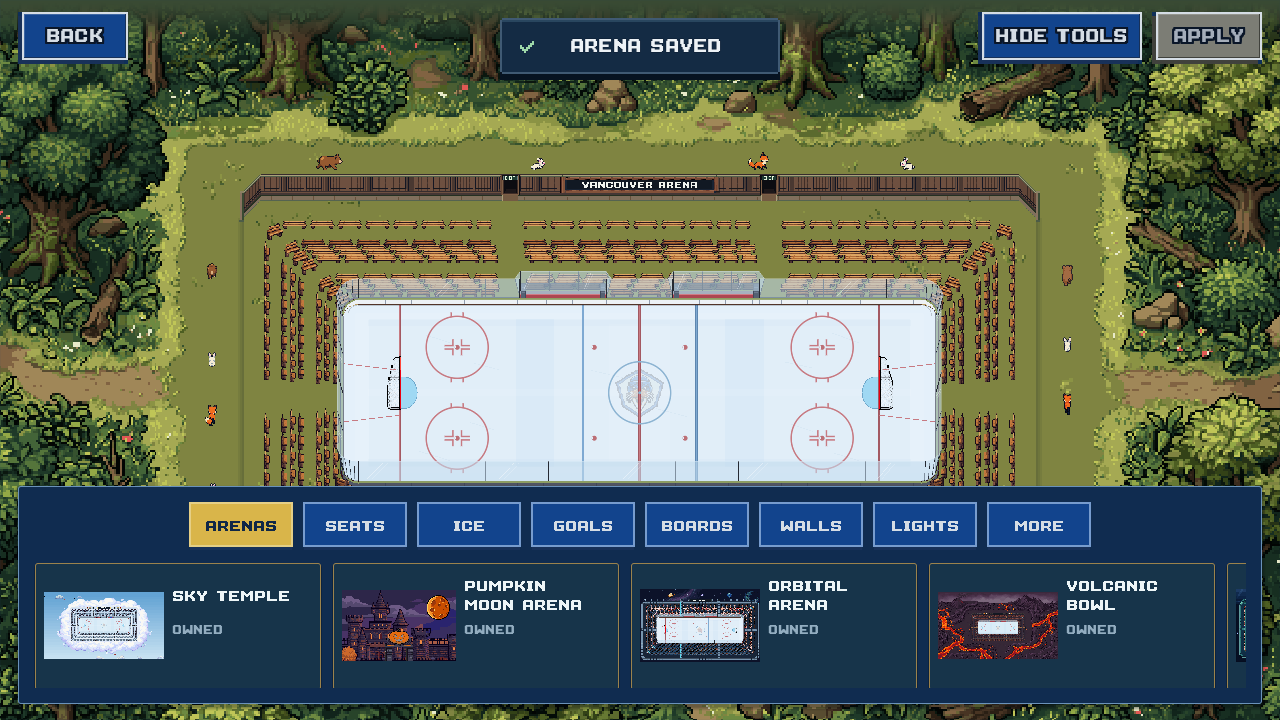
Keep the white ice or choose another finish, from Cool Blue to patterned and animated designs. Choose board artwork and a center ice badge separately.
Choose seating you own. Change seat, wall, trim, board cap and accent colors. Team Colors copies your club palette into the arena.
See team and uniform customizationChoose House Lights, Warm Glow, Cool Pro or Disco Lights. Set a goal horn and add team pennants or banners for championships your club has won.
On the ice
The match camera moves in closer to follow play. This sample home game uses Cool Blue ice, team wordmark boards and Cool Pro lighting.
Goal horns
Three samples from the game. Classic Horn is included. Ship Foghorn and Dragon Roar unlock with Club Funds. The horn is a separate choice from the arena theme.
Audio starts only when you press Play. In the game, find your owned horns under My Stadium → Customize → More → Goal Horns.
PixelPuck is in development for iPhone. There is no public App Store release date yet. You can email the developer about future testing opportunities. Android is planned, with no release date announced.
Email about testingOpens your email app.