Successful attempt
Skating and dekes in PixelPuck
A change of direction can create space when a defender has already committed to your path. The turn still needs to carry you out of reach. Here are two attempts that show the difference.
Start with steering
Use the left side to steer
Touch the left half of the screen and drag in the direction you want to skate. Keep your finger down. Move it around that first touch point to change direction.
A deke can start when you change direction with the puck near a defender. There is no separate deke button.
Two attempts
How much room does the turn create?
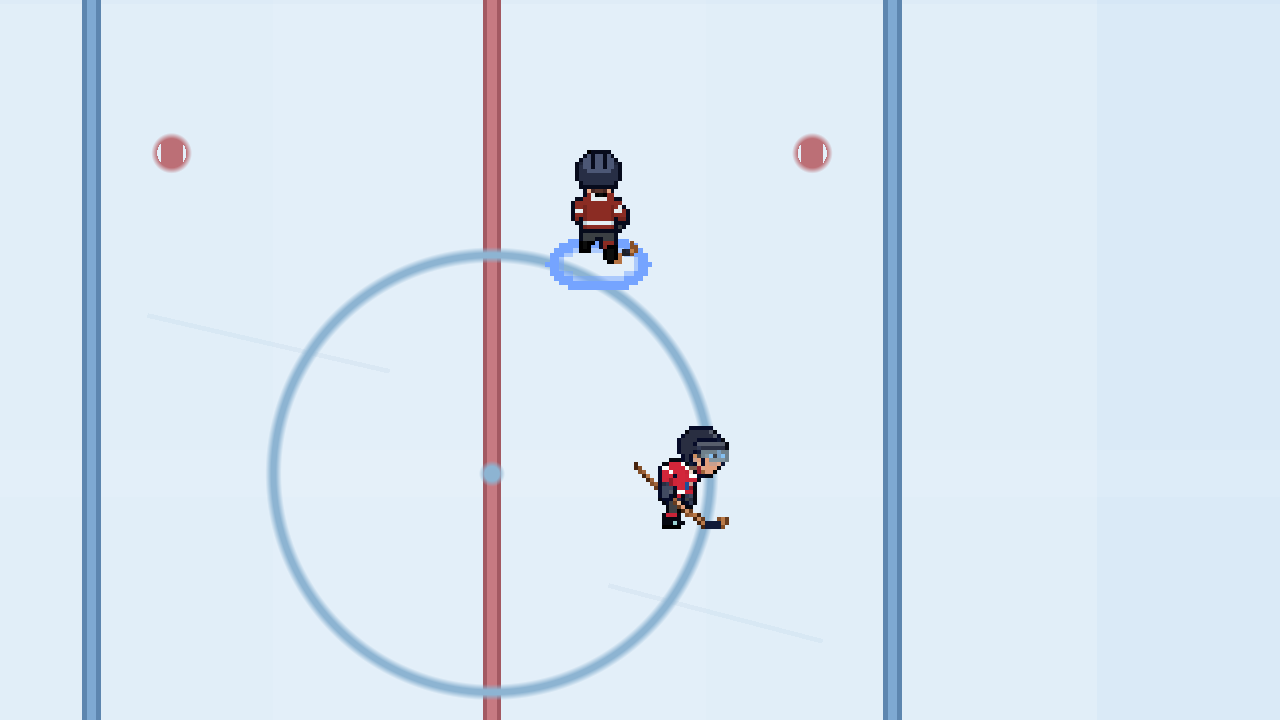
Follow the player with the blue ring. Both attempts start the same way. The puck carrier takes a sharper turn in A.
Ready. Each clip is 3 seconds long and has no sound.
Unsuccessful attempt
Still in the check’s path
Staged development gameplay. Two skaters from the current game, with the other players removed from the drill. The camera is closer than in a normal match.
Compare the still frames
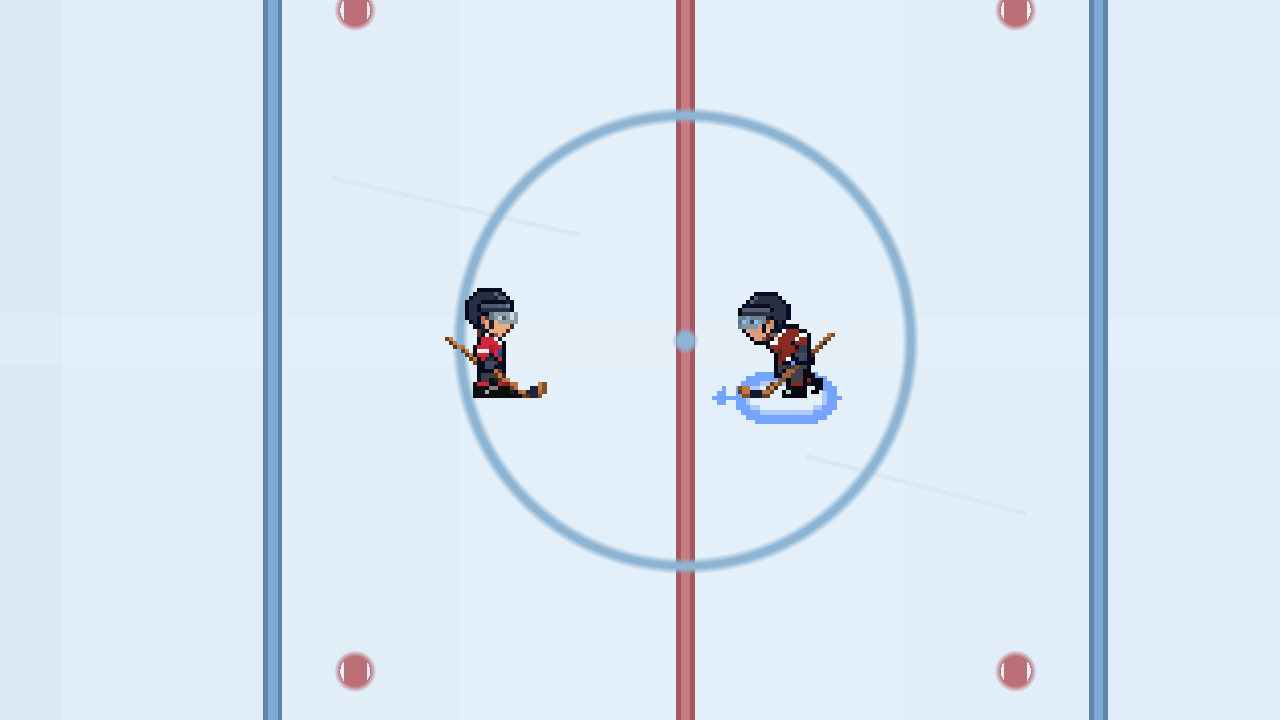
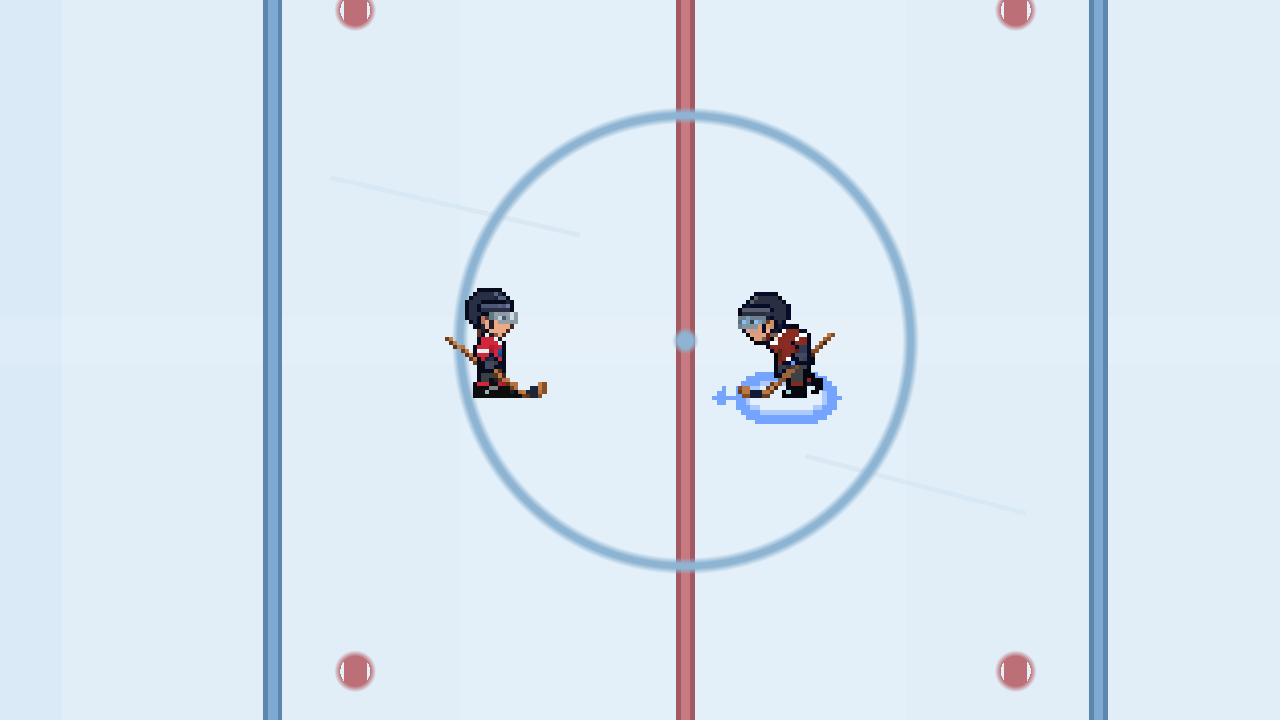
Before the turn, both skaters are closing the gap. The later frames show how each encounter ends.
A. A turn out of reach
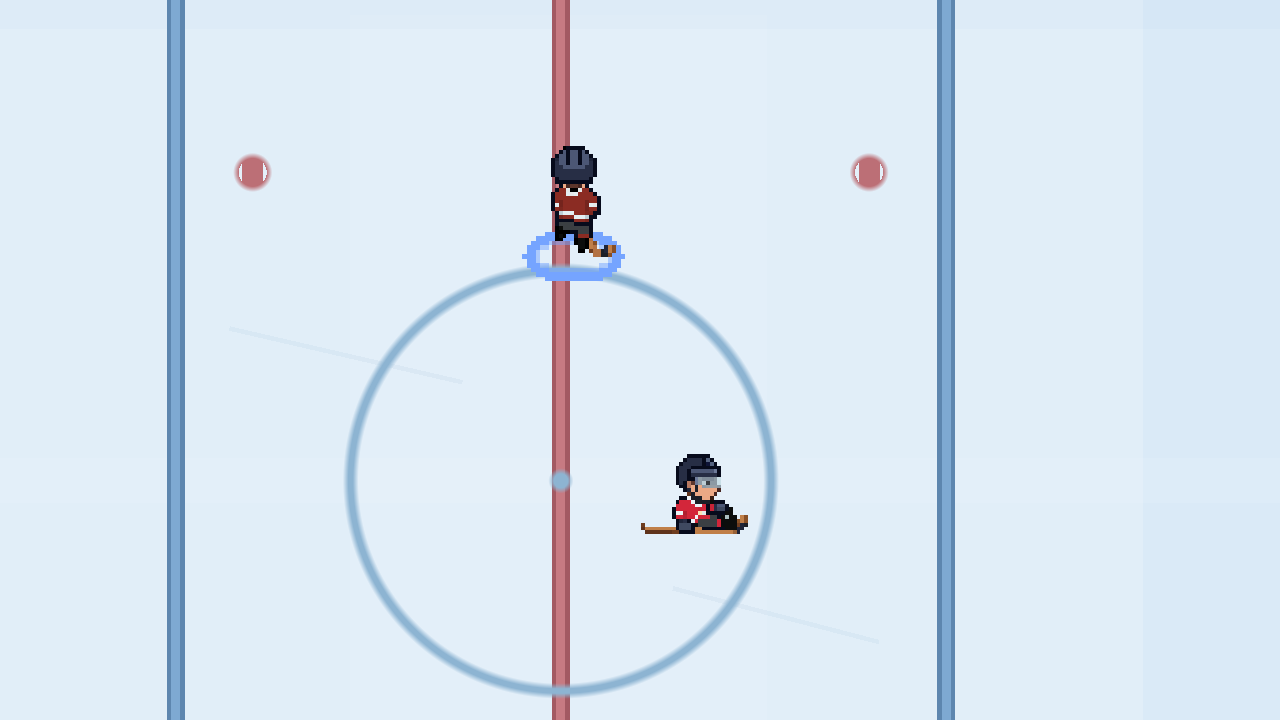
B. Still in the check’s path
How these attempts were recorded
These are controlled encounters recorded in the development build. Both use the same starting positions, speed, full stamina and player ratings. The carrier has balance 10. The defender has balance 1. The carrier turns about 90 degrees in A and about 50 degrees in B.
The game receives movement touch inputs and resolves the check and deke. The drill does not force a fall or a missed check. These two attempts show what happened in this setup. They do not measure your chance of success in a match.
Read the approach
Give the defender a path to miss
A committed defender is moving to intercept where you were going. Turning across that approach can open space before they reach you.
A. The paths separate
B. The check reaches the carrier
P: player starting with the puck D: defender
These diagrams trace the first 0.9 seconds of each recording at the same scale. The hollow circles mark the starting positions. The letters mark the later positions.
What the comparison suggests
In A, the sharper turn takes the carrier clear of the check. In B, the shallower turn leaves the carrier within reach. Look for an open side and steer into it as the defender closes.
This is a tactic to try, not a promise. A different approach, player rating or nearby body can change the result.
Why a defender can stay upright
The game checks the defender’s commitment and the space the carrier actually creates. A nearby defender who has held position may have no wrong path to recover from.
A check can still connect during the turn. A wall, another skater or a lost puck can also spoil the move. A deke may cause a wobble or a fall, or no reaction at all.
What your skater brings
Balance helps you hold the turn
A deke turns the skater through a curve. It does not teleport them or add a burst of speed. Your ratings and remaining stamina affect how that turn plays out.
Try it in a match
Practice one change of direction
Use a few puck possessions to watch the approach and the space after your turn. You do not need a special move button or a separate practice mode.
- Find some open ice. Carry the puck with a held drag on the left half of the screen. Leave room on either side of your skater.
- Watch one defender. Look at where they are moving as they close in. Pick the side with room to turn.
- Change the drag direction. Keep your finger down and steer across their approach. Give the skater time to follow the curve.
- Check what happened. Did you keep the puck and create space? On the next possession, try a different turn angle or start the turn a little earlier.
If the lane stays crowded, look for a pass. Repeated left and right flicks do not guarantee another deke or stumble.
Release and testing
PixelPuck is in development for iPhone. There is no public App Store release date yet. You can email the developer about future testing opportunities. Android is planned, with no release date announced.
Email about testingOpens your email app.